MCP Server Development: 5,000+ EV Chargers Queryable From Claude and ChatGPT
About the Client
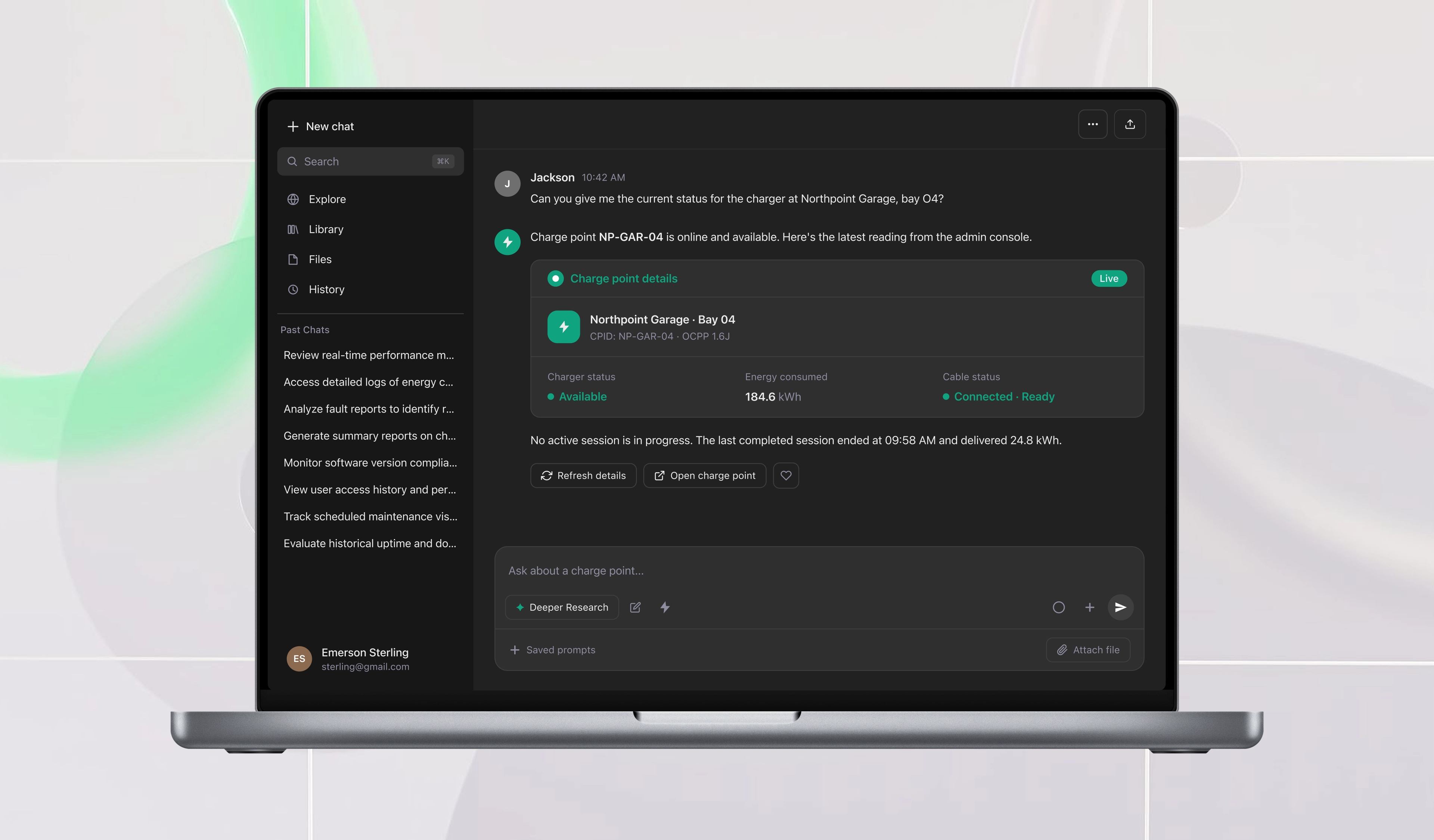
Our client is a Swiss EV charging infrastructure provider operating more than 5,000 chargers across Switzerland and processing over a million charging sessions a month. Its customers are fleet operators, charge point owners, site hosts, and drivers, and they accessed consumption, cost, and charger-status data through a web dashboard that sat on a REST API, with identity handled by AWS Cognito. The dashboard worked, but the data was pull-only: nothing reached a customer unless they went and looked. In the client's words, fleet managers logged in daily just to check whether any charger had gone offline overnight. The client wanted that data available inside Claude and ChatGPT, where a question can be scheduled to run every day, without building a second product or a second backend.
Results
Scale
5,000+ chargers and 1M+ monthly charging sessions queryable in natural language
User adoption
10,000+ monthly active users connecting existing accounts
Operational shift
Daily dashboard logins replaced by recurring prompts for consumption, cost, and offline alerts
How we exposed an existing API to Claude and ChatGPT
OAuth 2.1 on the existing Cognito user pool
Remote MCP servers require an OAuth 2.1 flow. We extended the client's existing Cognito setup to issue tokens through the authorization code flow with PKCE that MCP clients expect, instead of adding a new identity store. Same accounts, same permissions: every tool call is scoped to what that account can already see in the dashboard.
A thin tool layer over the REST API
Each MCP tool wraps an endpoint of the same REST API the client's web frontend uses. The server validates the model's input against a JSON schema, calls the API with the user's token, and shapes the response for the model. No duplicated business logic, no parallel backend.
Read-only first, then write
Phase 1 shipped ten read-only tools covering consumption by period, cost breakdown, charger status, active alerts, and session history. Phase 2 added starting and stopping a charging session and setting alert thresholds after read-only usage was proven, each behind an explicit confirmation step so a person approves any change to a charger.
Schemas revised against real invocations
Tool descriptions and JSON schemas were revised repeatedly based on how Claude and ChatGPT actually invoked them. We watched which tool each model chose for a given question and how it filled the parameters, then rewrote descriptions and tightened schemas until both models picked correctly.
From dashboard logins to scheduled prompts
- Discovery - We mapped the questions customers answered through the dashboard (consumption, cost, charger status) to the REST endpoints behind them, and confirmed that the existing Cognito user pool could carry the OAuth 2.1 flow MCP requires.
- Authentication - We extended the client's Cognito setup to support the OAuth 2.1 authorization code flow with PKCE. No new identity store: customers connect Claude or ChatGPT with their dashboard credentials.
- Phase 1: read-only tools - Ten read-only tools wrapping the existing REST API shipped in a containerized TypeScript server on AWS ECS, inside the client's VPC for private access to internal APIs. Customers began setting up recurring prompts.
- Phase 2: write tools and schema iteration - Once read-only usage was proven, we added session start/stop and alert-threshold tools behind a confirmation step, and kept revising tool descriptions and JSON schemas based on how Claude and ChatGPT actually invoked them.
Technology we chose for this project
MCP Server
- TypeScript

- Node.js

- Anthropic Claude

- OpenAI ChatGPT

AWS Infrastructure
- AWS ECS

- AWS VPC
- AWS Cognito

What We Did
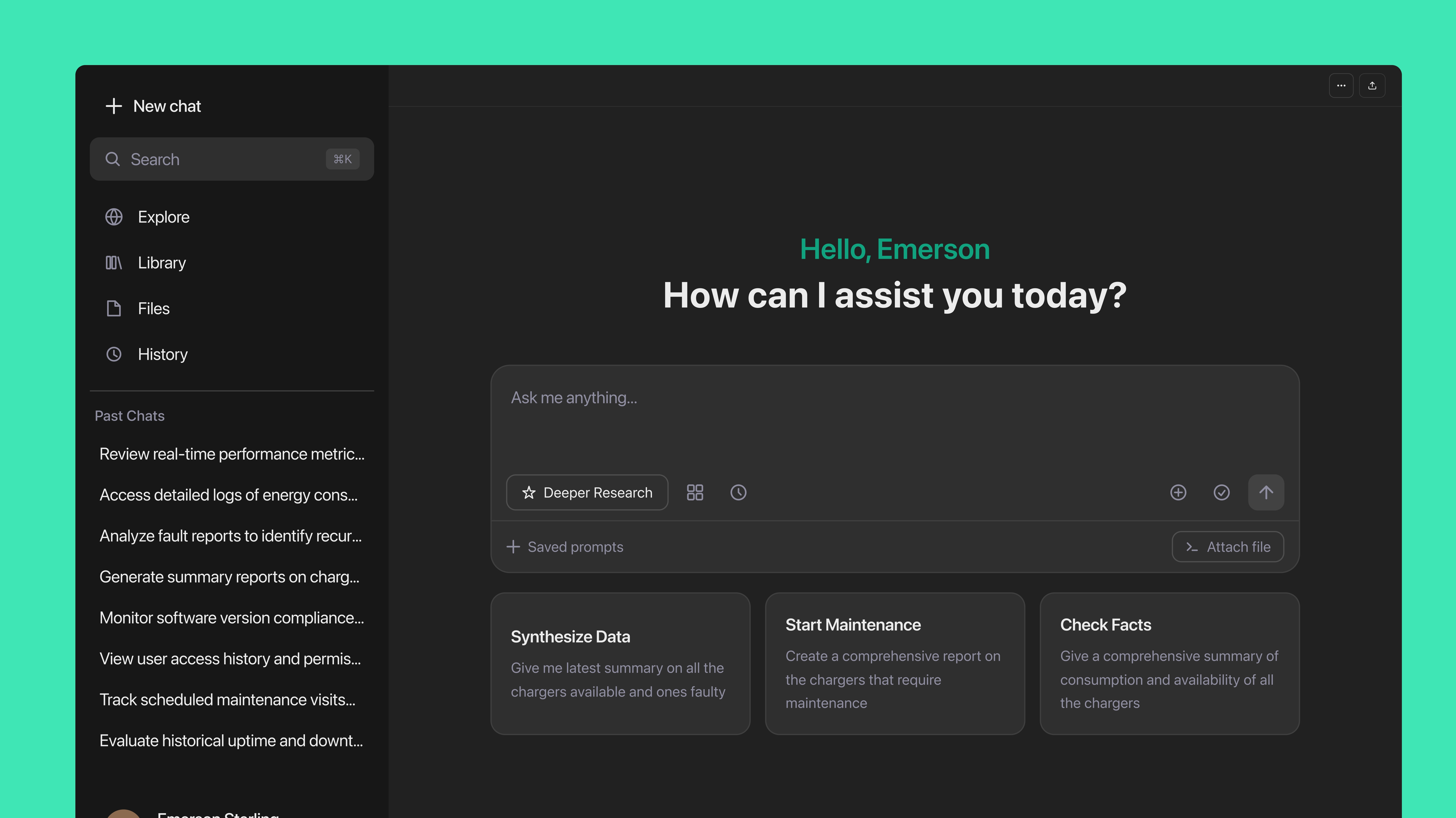
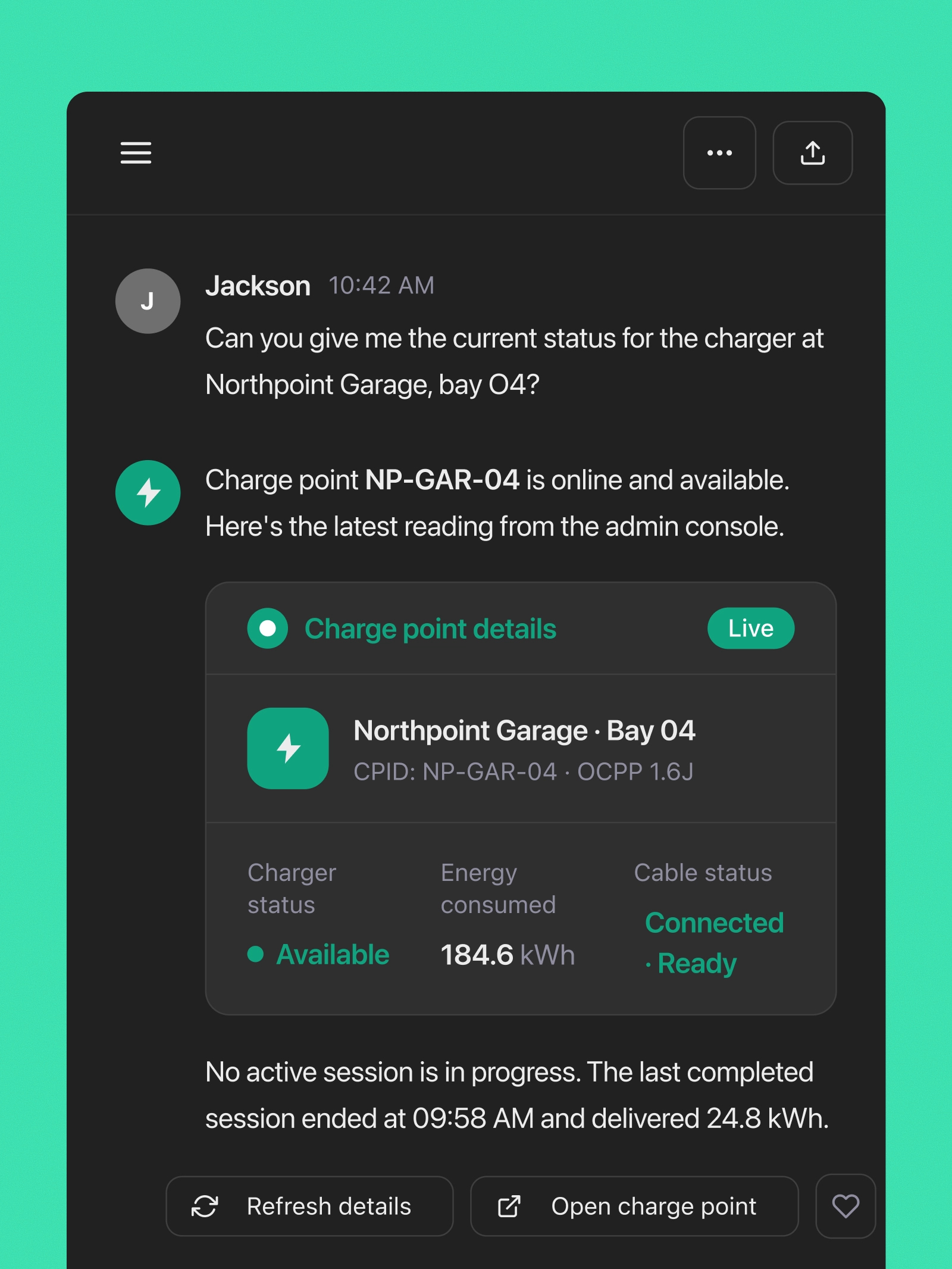
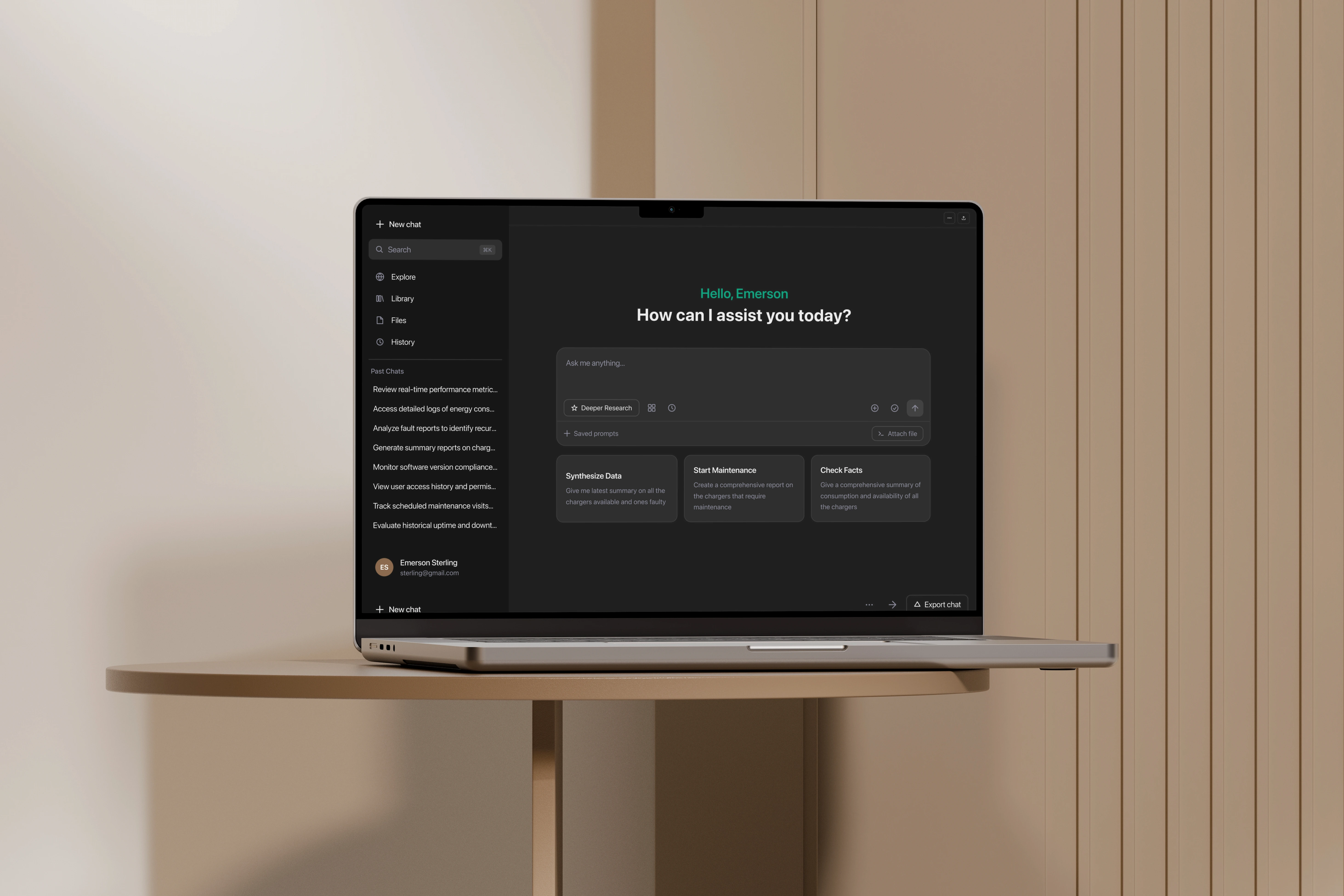
We built a remote MCP server in TypeScript on Node.js. Claude and ChatGPT connect to it over HTTPS. The server authenticates the user against the client's Cognito user pool, then translates each tool call into a request to the same REST API the client's own web frontend uses. It runs as a container on AWS ECS inside the client's VPC, so the internal APIs it calls stay private.
Authentication reuses what the client already had. Remote MCP servers require an OAuth 2.1 flow, so we extended the existing Cognito setup to issue tokens through the authorization code flow with PKCE rather than adding a new identity store. Same accounts, same permissions: when a fleet operator connects Claude, they sign in with their dashboard credentials, and every tool call is scoped to exactly what that account can already see. The platform's 10,000+ monthly active users needed no new account.
Each MCP tool is a thin wrapper around an existing REST endpoint. The server holds no business logic of its own; it validates the model's input against a JSON schema, calls the API with the user's token, and shapes the response for the model. Phase 1 shipped ten read-only tools covering consumption, cost, charger status, alerts, and session history. Phase 2 added session start/stop and alert thresholds after read-only usage was proven, each behind an explicit confirmation step so a person approves any change to a charger.
Want to Connect Your Platform to Claude and ChatGPT?
If your customers log in to a dashboard to answer the same questions every day, we can build a remote MCP server on your existing API and identity provider.
Result & Impact
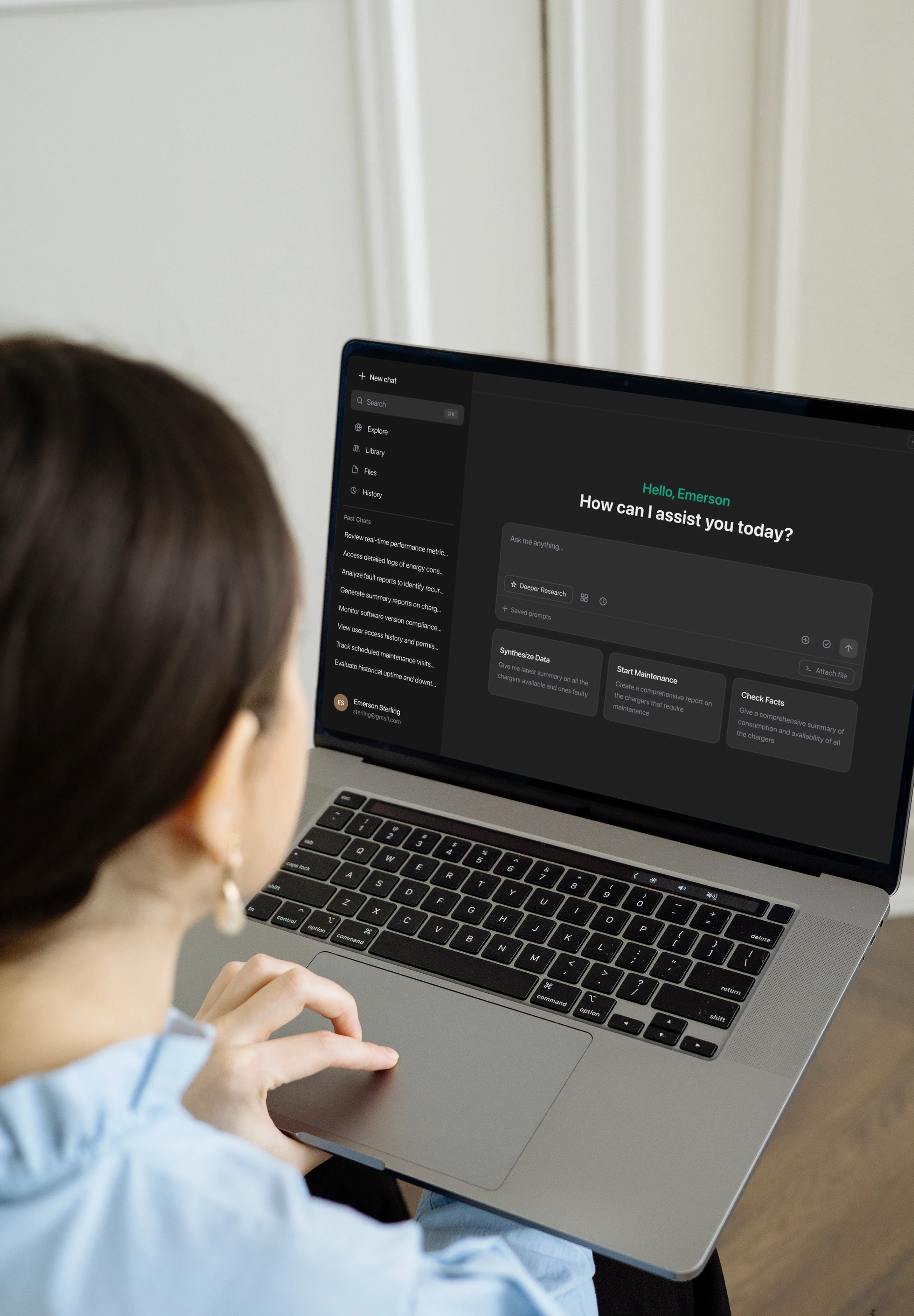
Previously, a fleet manager logged in every morning to check whether any charger had gone offline overnight. Now that manager has a recurring prompt in Claude or ChatGPT that asks the question and reports back. A daily consumption report or weekly cost summary that was previously assembled from dashboard views now arrives as a scheduled conversation, and follow-up questions are asked in the same thread.
The client was the first in its competitive set to ship an AI-assistant integration. Data on more than 5,000 chargers and over a million monthly charging sessions can now be queried in natural language, by the same 10,000+ monthly active users, with the accounts they already have. Delivered by a team of two, with no new backend and no new identity store.
Three lessons carried over from this project. Tool description quality beats tool count: most of our iteration time went into wording and schema constraints, not new endpoints. Reusing the existing API is what kept this a two-person project. And starting read-only let the client observe real usage before any tool could change a charger's state.
“MTechZilla increased our development velocity and cut backlog resolution time by over 30%, with deliverables consistently completed on time. The commitment of their developers has been outstanding. It truly felt like they were part of our own team, backed by strong technical know-how.”
Head of Software Development
Swiss EV charging infrastructure provider, Confidential
From the client's verified Clutch review of our engagement.
Frequently Asked Questions
What is a remote MCP server?
A remote MCP server is an HTTPS service that implements the Model Context Protocol, the open standard Claude, ChatGPT, and other AI assistants use to call external tools. It publishes a list of tools with JSON schemas, authenticates the user with OAuth 2.1, and executes each tool call against your systems. Unlike a local MCP server that runs on a developer's machine, a remote server is hosted by the platform owner and shared by all of its customers.
Why an MCP server instead of a chatbot inside the dashboard?
A chatbot in the dashboard still requires the customer to open the dashboard. An MCP server puts the client's data inside the assistants customers already use, where a question can be scheduled to run daily and answered without a login. It also works in both Claude and ChatGPT from one implementation.
Do customers need a new account to connect Claude or ChatGPT?
No. The MCP server uses the client's existing AWS Cognito user pool, extended to support the OAuth 2.1 authorization code flow with PKCE that MCP requires. Customers sign in with their dashboard credentials, and every tool call is limited to what that account can already see.
Can the assistant change anything on a charger?
Only through the Phase 2 write tools, which were added after read-only usage was proven. Each write tool requires an explicit confirmation step, so the assistant proposes an action and a person approves it.
Why ship read-only tools first?
With read-only tools, a badly phrased prompt produces an unhelpful answer, not an unintended action. That gave the client a low-risk period to see how customers actually used the assistant before any tool could change state.
Does the MCP server duplicate the backend?
No. Each tool wraps an endpoint of the same REST API the client's web frontend uses. There is no duplicated business logic and no parallel backend, so changes to the API reach the assistant automatically.
How long does MCP server development take?
For this client, two engineers took the first ten read-only tools from kickoff to customer use inside the initial phase, because the REST API and Cognito identity already existed. Timelines grow when the underlying API needs new endpoints or when identity has to be built from scratch.